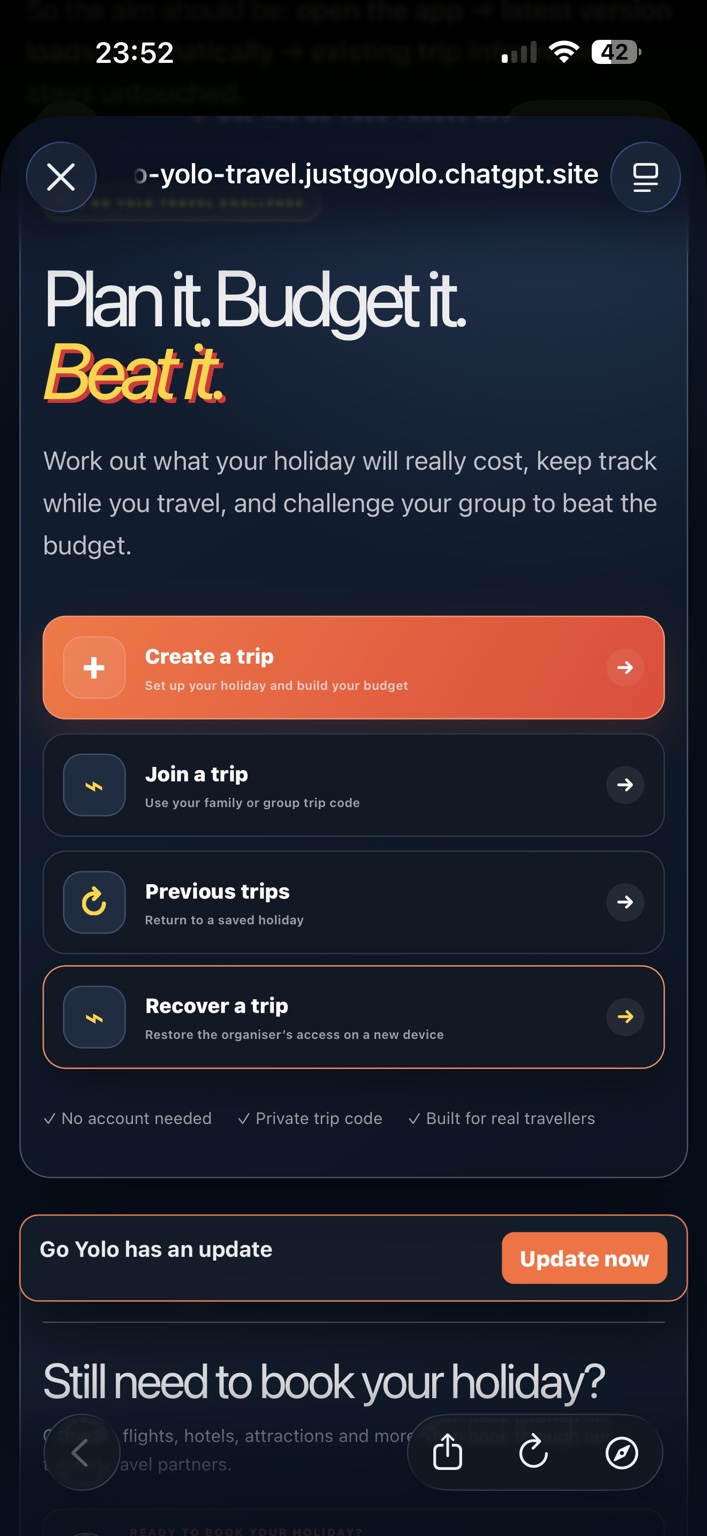
Create or join
Add the destination, dates and travellers—or join the organiser using the private trip code.
 Go Yolo TravelReal Trips. Real Tips. No Filters.
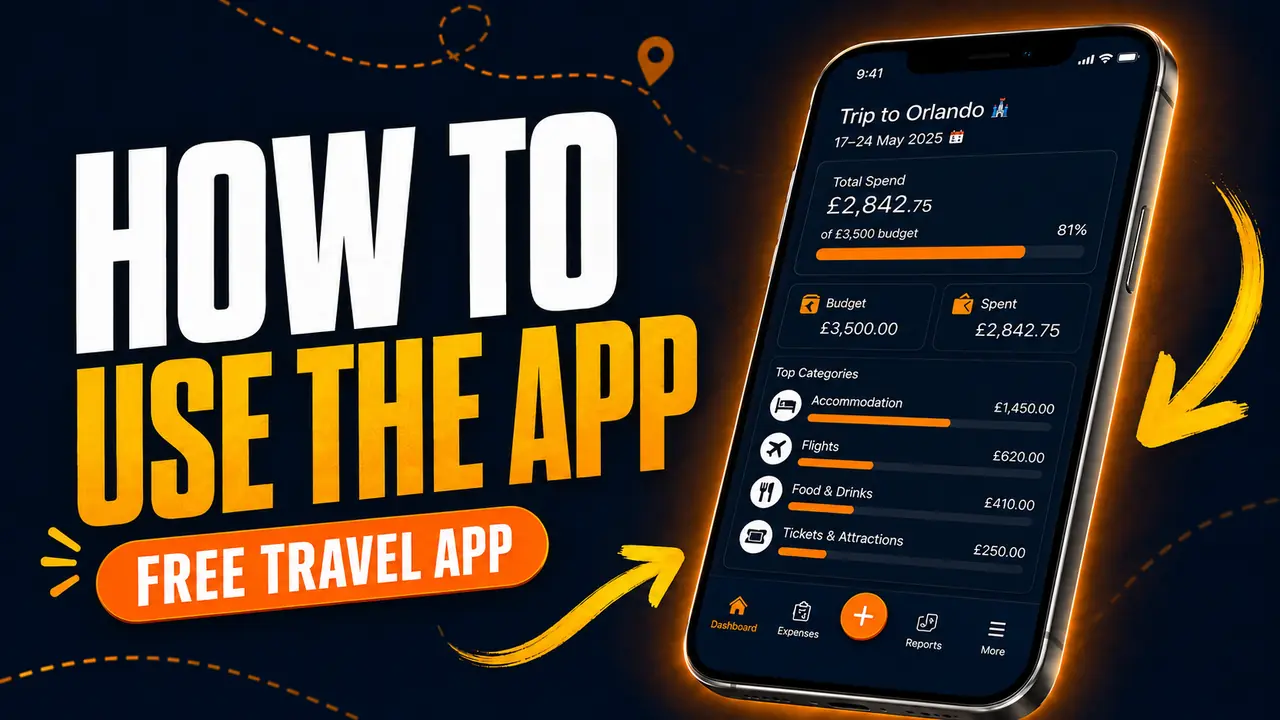
THE FREE GO YOLO TRAVEL APP
Build one honest budget for your whole holiday—including what you’ve already booked. Track what everyone really spends, use Blind Mode to hide the running total and reveal whether you beat the budget each day.
HOW IT WORKS
Set up the trip together, track the real spending and challenge everyone on your trip to beat the budget.
Add the destination, dates and travellers—or join the organiser using the private trip code.
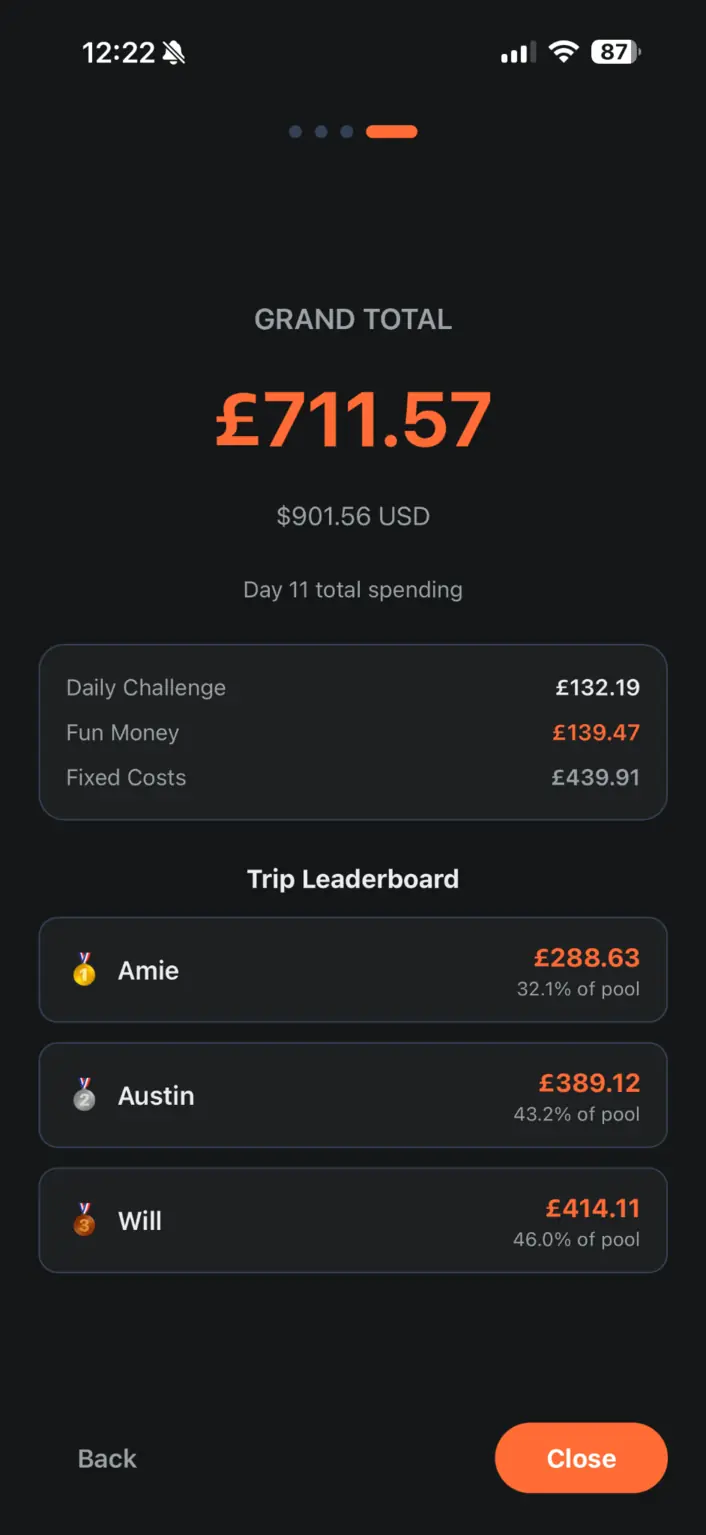
Set fixed costs, the group’s Daily Challenge and each traveller’s own Fun Money pool.
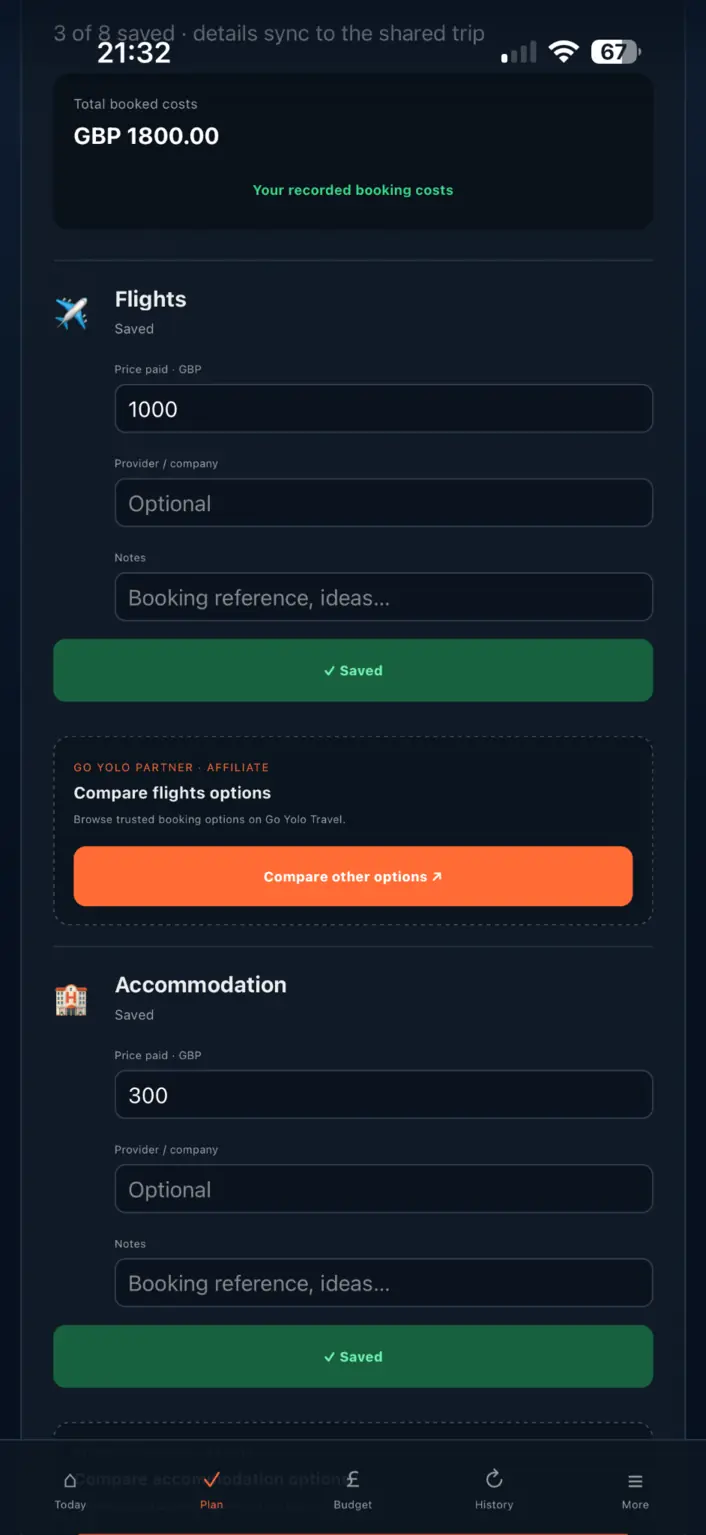
Record flights, hotels and other booking costs, then use the checklist for anything still left to arrange.
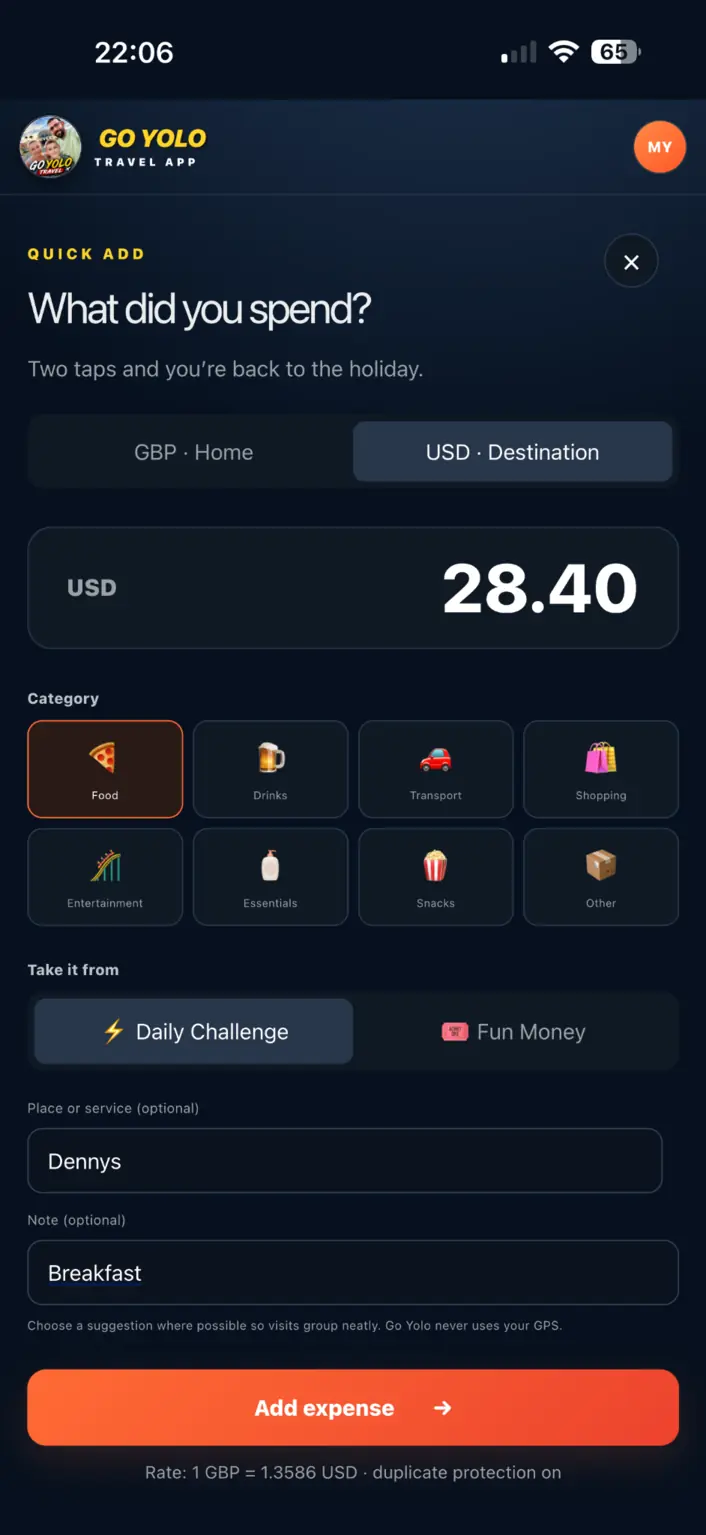
Add expenses as you travel and keep fixed costs, daily spending and Fun Money separate.
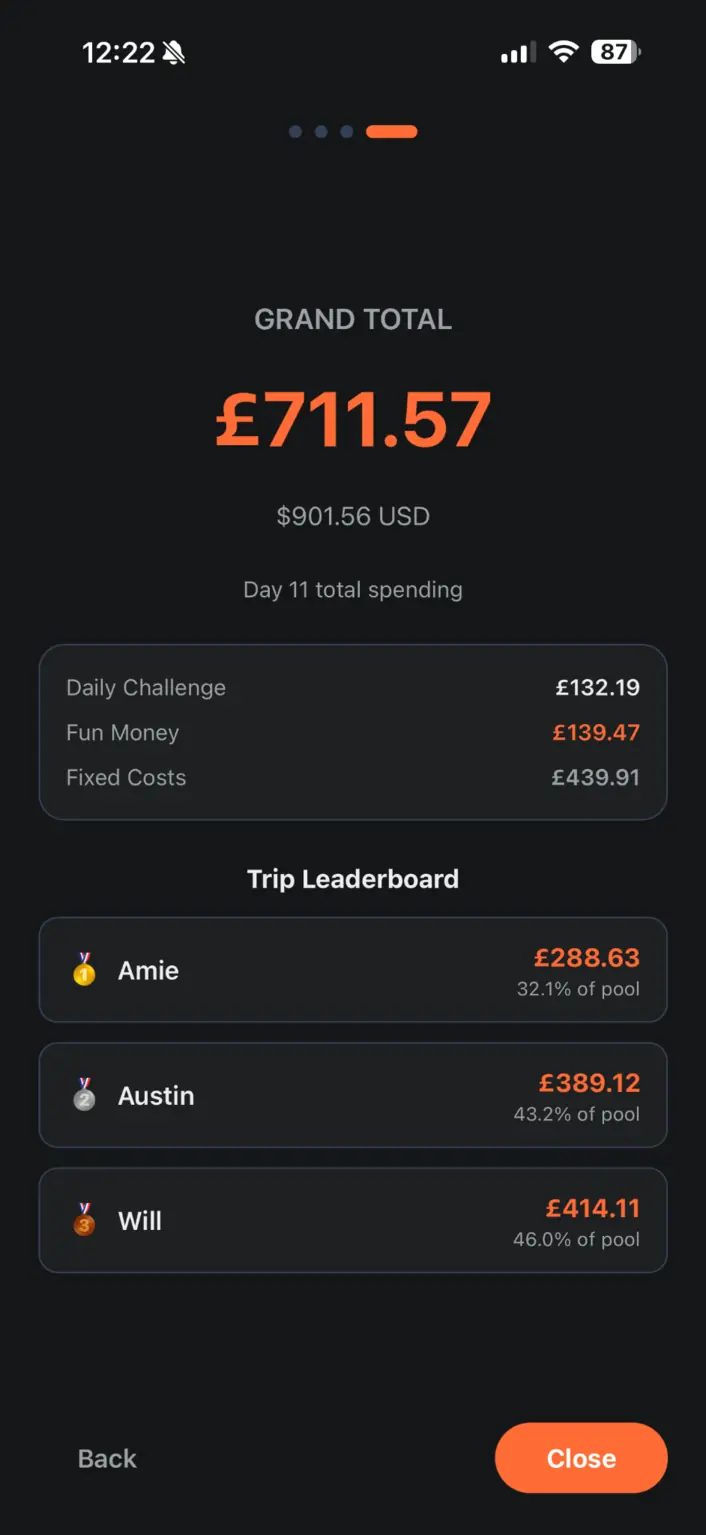
Open the daily result, see how far under or over you finished and view the awards and trip leaderboard.
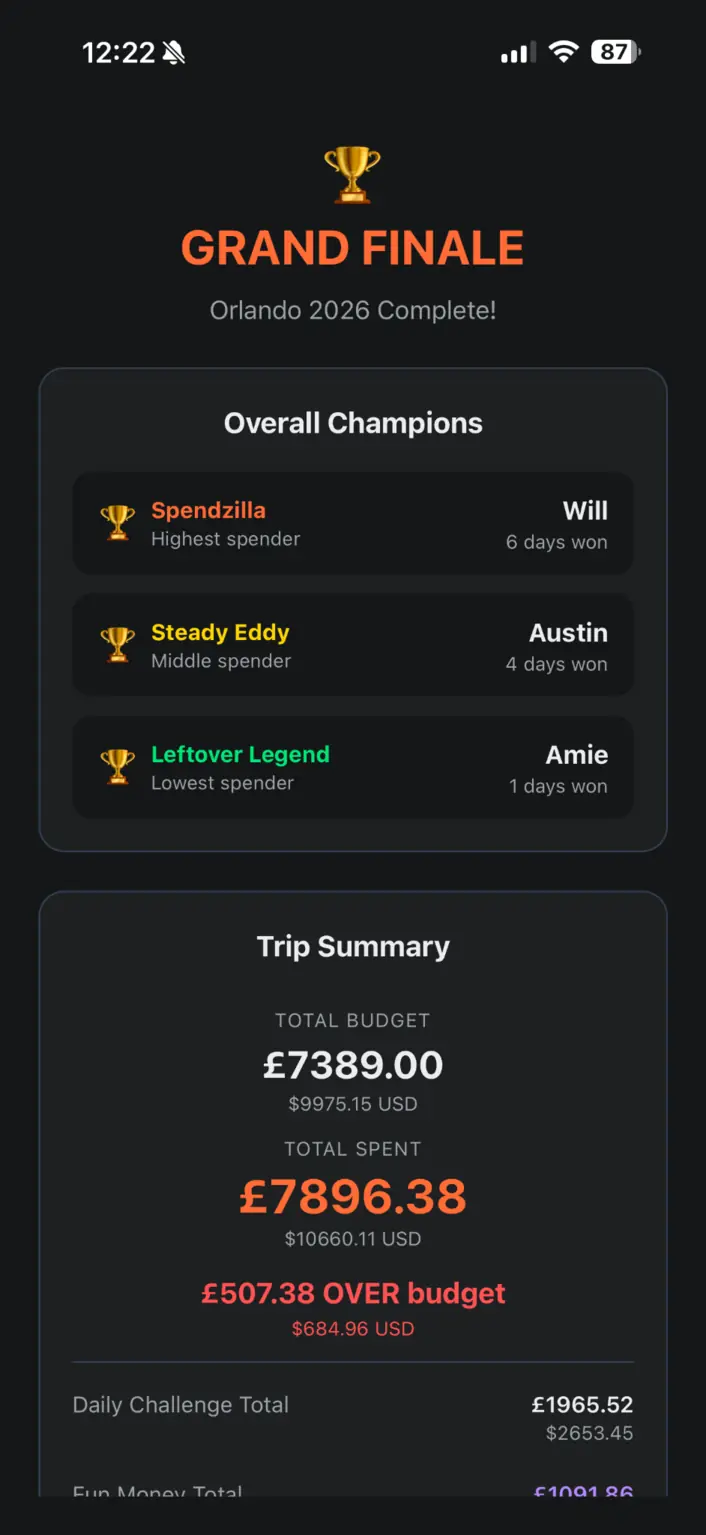
Reveal what the whole holiday really cost, who earned each award and whether you beat the budget overall.
KEEP IT ON YOUR PHONE
You do not need an app store. Open the app in your phone’s browser and follow the steps for your device. If you arrived through TikTok, Facebook or another in-app browser, open the link in Safari or Chrome first.